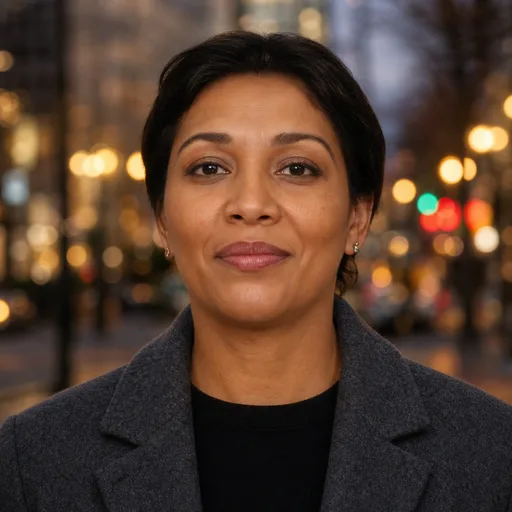
Office, Blurred
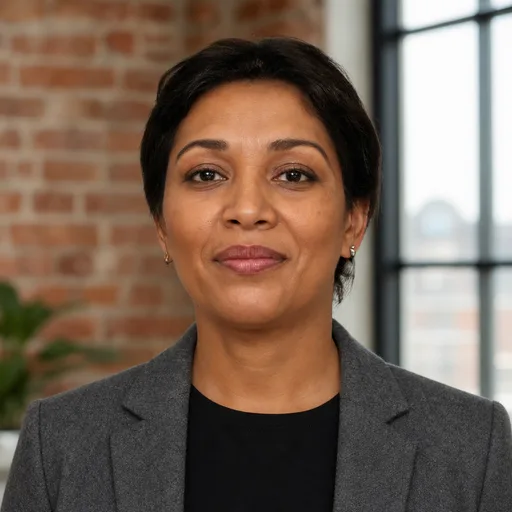
A real office behind you, open collar. Easy and everyday.
EnvironmentalEverydayLast updated 2026-08-11
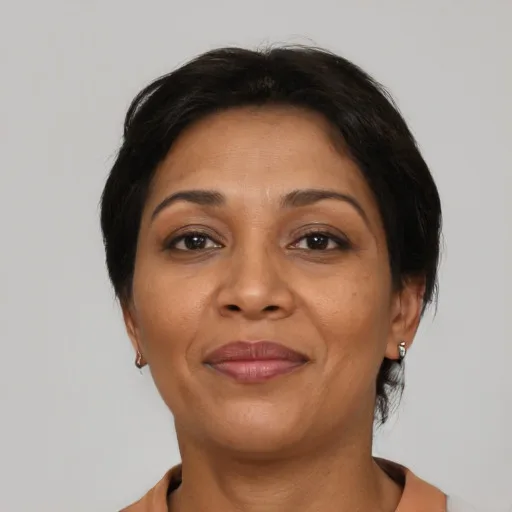
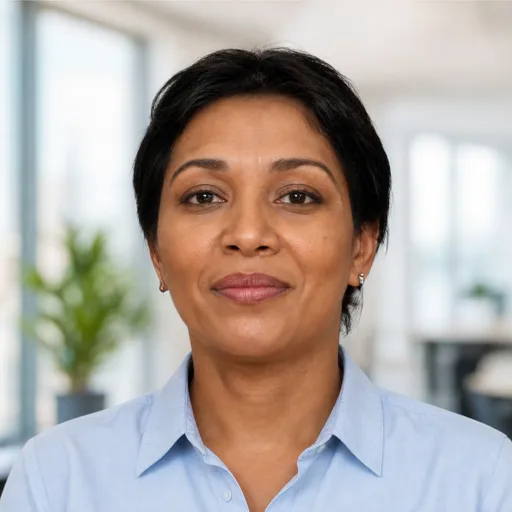
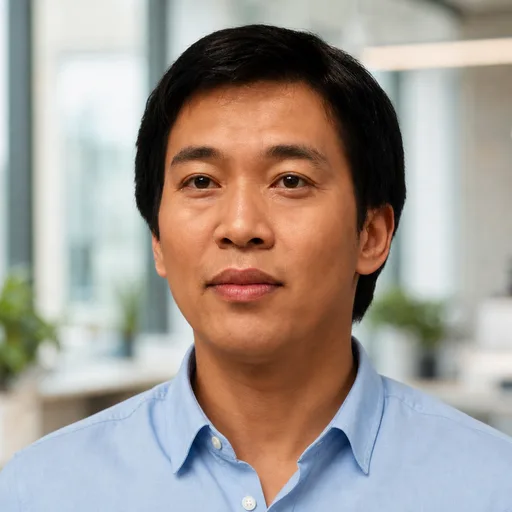
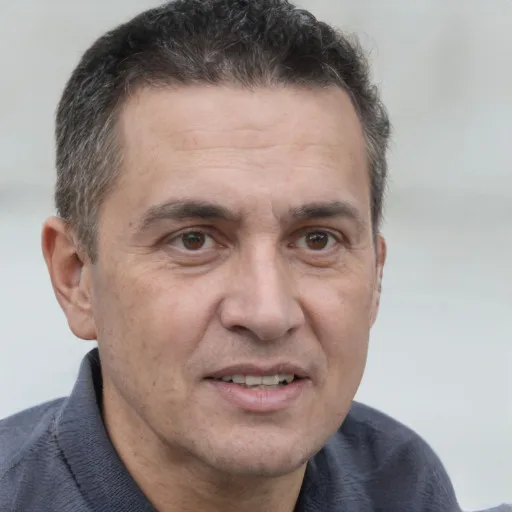
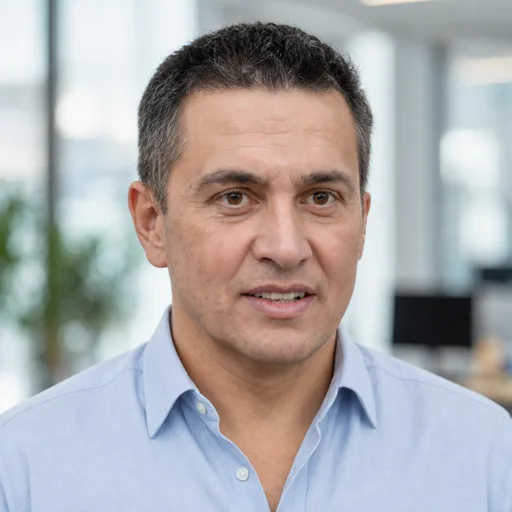
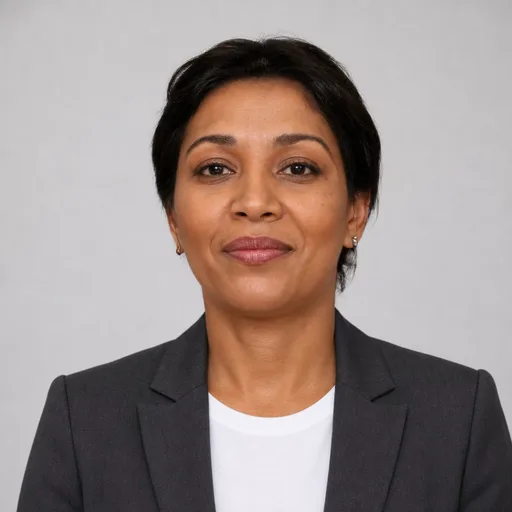
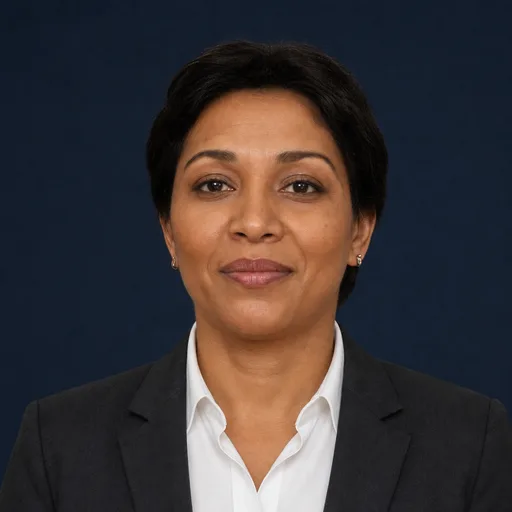
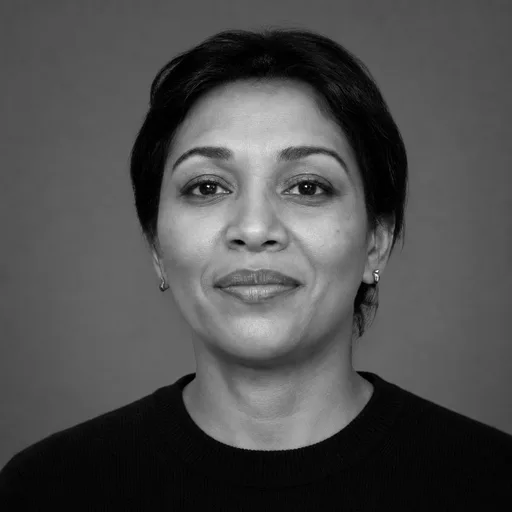
Left is the photo we started with, right is what came back from the exact prompt below — no retouching in between. The faces are synthetic, so we can test on the same people over and over without putting anyone's real photos on a marketing page.
The prompt
Create a professional headshot of the person in the photos I've uploaded.
Preserve their exact facial identity, features, skin tone, and hairstyle — the result must be unmistakably the same person, with natural skin texture and no beautification.
Keep their exact face shape and cheek fullness — do not slim or contour the face.
Framing: shoulders-up crop, subject centered, both shoulders square to the camera, head level, looking directly into the lens with a relaxed, confident, approachable expression, lips gently closed. Square crop.
Setting: a bright modern office interior, softly blurred behind the subject with shallow depth of field.
Lighting: natural daylight, bright and airy.
Wardrobe: a light-blue oxford button-up shirt with the top button open, no tie.
Photorealistic.
How to use it
- Open ChatGPT and start a new chat.
- Attach 3 to 6 recent photos of yourself — different angles, decent light, nothing covering your face.
- Paste the prompt and send. A generation takes a minute or two.
Tips
- Good middle ground when a studio backdrop feels too formal for your industry but you still want it to read professional.
- The wardrobe lines are exact on purpose. Vague wording like "business casual" gives the model room to improvise, and it will. Swap the wardrobe line for whatever you'd actually wear, but keep it specific — name the garment and the color.
- Ask for changes in a follow-up message instead of starting a new chat. The model keeps your draft in context, so "same photo, warmer light" works.
- If the result stops looking like you, say so plainly — "keep my exact facial features" — and regenerate.
- The model has a habit of slimming faces. If yours comes back thinner than real life, add "keep my exact face shape and cheek fullness" and regenerate.
- LinkedIn crops your photo to a circle. These prompts center the head, so nothing important gets cut.
Need matching headshots for a whole team?
This prompt gets you one good headshot. RosterShots gets your whole team the same style — everyone uploads a few photos from an invite link, picks their favourite, and your site's team page stays current.
Set up your roster